odoo-11.0-windows-installation
Odoo 11.0 Windows Installation
Install odoo-11.0 from source on Windows
It is recommended to have 64 bit version of operating system installed on your system.
It is recommended to install 64 bit version of all software packages mentioned in installation process.
Installation
Download and install Git for Windows.
Download and install Node.js LTS.
Launch Command Prompt as Administrator.
- Install
Less.jsby> npm install -g less less-plugin-clean-css
Download and install PostgreSQL.
add PostgreSQL’s bin directory (default: C:\Program Files\PostgreSQL\x.x\bin) to your PATH.
create a postgres user with a password using the PgAdmin GUI:
- open
PgAdmin4, - expand
servernode to create a connection, - expand
PostgreSQLnode, - select Object-> Create -> Login/Group Role,
- enter the username in the
Role Namefield (e.g. odoo), - open the
Definitiontab and enter the password (e.g. odoo), - open the
Privilegestab and giveloginandcreate databaserights,
- enter the username in the
- click
save.
Download and install Microsoft Visual C++ 2015 Redistributable.
Download and install Python3 version 3.6.
- goto
Python3installation directory (default:C:\Users\{UserName}\AppData\Local\Programs\Python\PythonXX. - rename
python.exetopython3.exeandpythonw.exetopythonw3.exe. - add
Python3installation directory (default:C:\Users\{UserName}\AppData\Local\Programs\Python\PythonXX) to yourPATH.
Some of odoo dependencies are non-pure Python packages which requires C/C++ compilation during their installation process. you can install those dependencies using one of the following approaches.
- Download and install already compiled dependencies in
Wheel (.whl)format targeting your system configuration. - Download and install
C/C++compiler than install those dependencies fromsource.
For installing dependencies from Wheel (.whl), launch Command Prompt as Administrator.
- Install
pypiwin32by> python3 -m pip install pypiwin32 - Install
Pillowby> python3 -m pip install Pillow-3.4.2-cp36-cp36m-win_amd64.whl - Install
geventby> python3 -m pip install gevent-1.2.2-cp36-cp36m-win_amd64.whl - Install
lxmlby> python3 -m pip install lxml-3.8.0-cp36-cp36m-win_amd64.whl - Install
psutilby> python3 -m pip install psutil-5.3.1-cp36-cp36m-win_amd64.whl - Install
psycopg2by> python3 -m pip install psycopg2-2.7.3-cp36-cp36m-win_amd64.whl - Install
pyldapby> python3 -m pip install pyldap-2.4.37-cp36-cp36m-win_amd64.whl - Install
reportlabby> python3 -m pip install reportlab-3.4.0-cp36-cp36m-win_amd64.whl
If you’re having 32 bit Windows architecture or other Python versions (e.g. 3.4, 3.5) installed on your system. you can download non-pure Python package Wheels (.whl) targeting your system configurations from PyPI or Laboratory for Fluorescence Dynamics. If you’re having Python 3.4 installed on system then you will require Microsoft Visual C++ 2010 Redistributable instead of Microsoft Visual C++ 2015 Redistributable. for more information visit WindowsCompilers article on Python Wiki.
For installing dependencies from source, download Visual C++ 2015 Build Tools.
- run the installer,
- select
custommode for installation, - uncheck all optional features (e.g.
Windows 8.1 SDK,Windows 10 SDK,ATL/MFC SDK,.NET Framework SDKetc.) - click
Install.
After Visual C++ 2015 Build Tools installation process completes, launch Command Prompt as Administrator
- Install
pypiwin32by> python3 -m pip install pypiwin32 - Install
Pillowby> python3 -m pip install pillow - Install
geventby> python3 -m pip install gevent - Install
lxmlby> python3 -m pip install lxml - Install
psutilby> python3 -m pip install psutil - Install
psycopg2by> python3 -m pip install psycopg2 - Install
pyldapby> python3 -m pip install pyldap - Install
reportlabby> python3 -m pip install reportlab
If you’re having Python 3.4 installed on system then you will require Microsoft Windows SDK for Windows 7 and .NET Framework 4 instead of Visual C++ 2015 Build Tools. for more information visit WindowsCompilers article on Python Wiki.
Install remaining pure Python packages from requirements.txt using
$ python3 -m pip install -r requirements.txt$ python3 -m pip install -U werkzeug
Download and install wkhtmltopdf.
Add wkhtmltopdf’s bin directory (default: C:\Program Files\wkhtmltopdf\bin) to your PATH.
Launch Command Prompt.
Switch to (cd) your desired odoo installation directory
clone odoo repository by git clone https://github.com/odoo/odoo.git -b 11.0
Switch to odoo installation directory and run odoo using
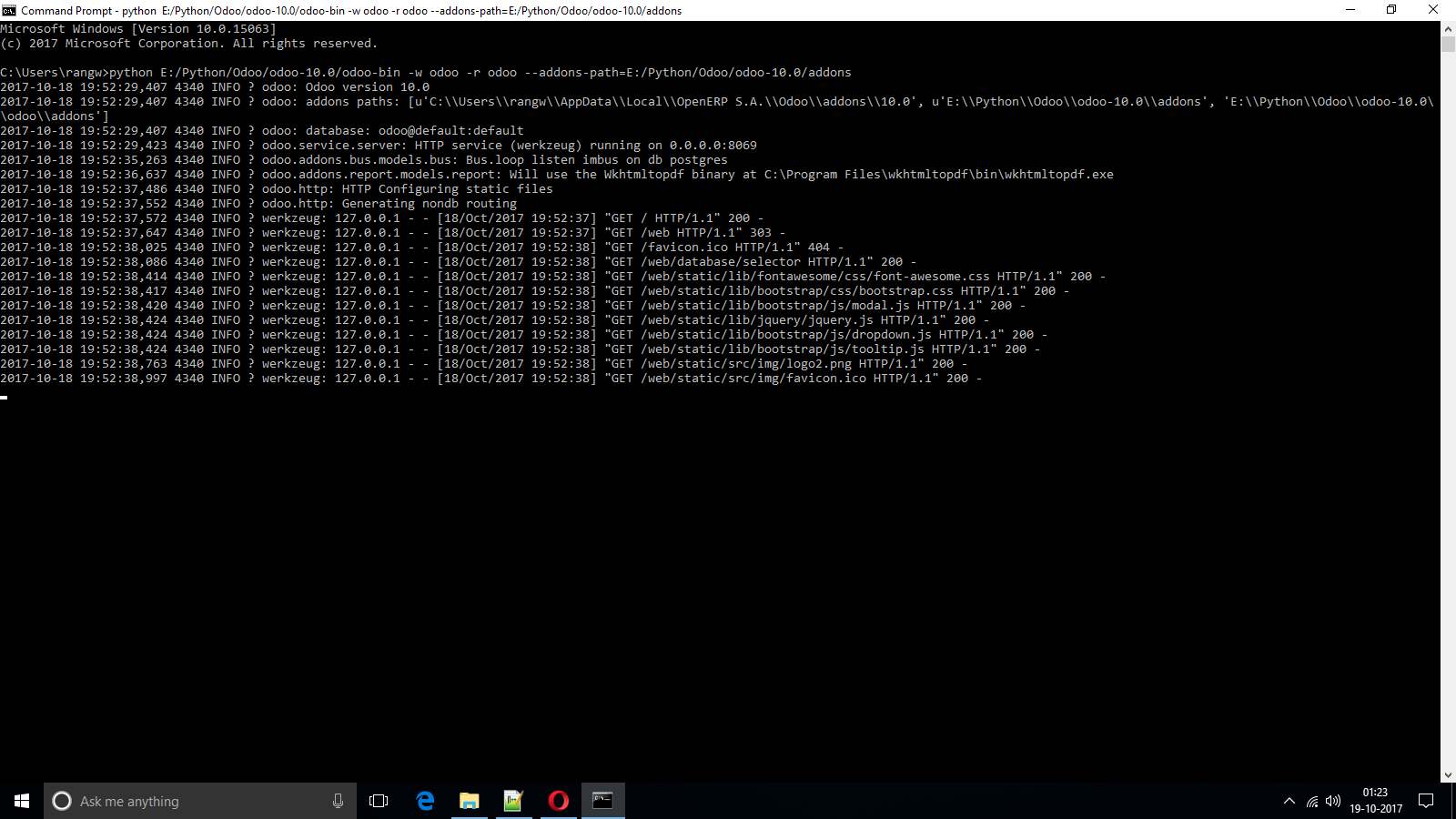
$ python3 odoo-bin -w odoo -r odoo --addons-path=addons --log-level=debug_rpc